FSUIPC7 is required for the PMDG 737 FLT ALT and LAND ALT displays to work in MSFS 2020 and MSFS 2024. Without it, the displays will not receive data from the simulator. The free version of FSUIPC7 is sufficient.
Step 1 — Install FSUIPC7
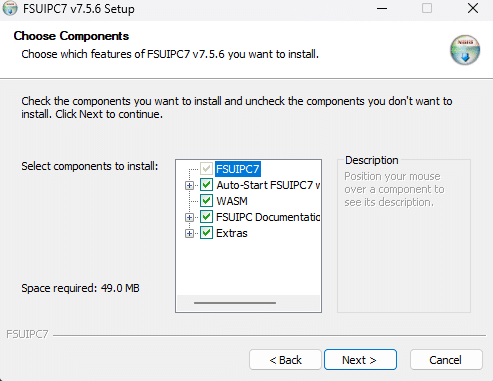
Download and install FSUIPC7.
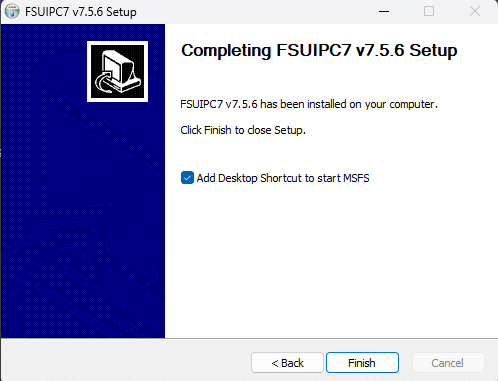
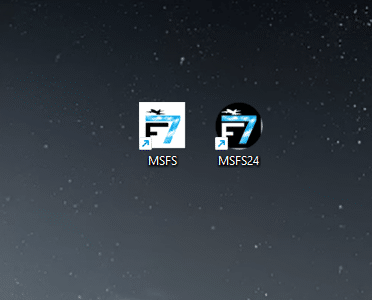
During installation, make sure to select the option to create desktop shortcuts for your simulator (MSFS 2020, MSFS 2024, or both). You will use these shortcuts to launch your simulator from now on.
Launch your simulator using the FSUIPC7 desktop shortcut. Once you are in the cockpit, start MobiFlight and press Run. Your FLT ALT and LAND ALT displays should now be working.